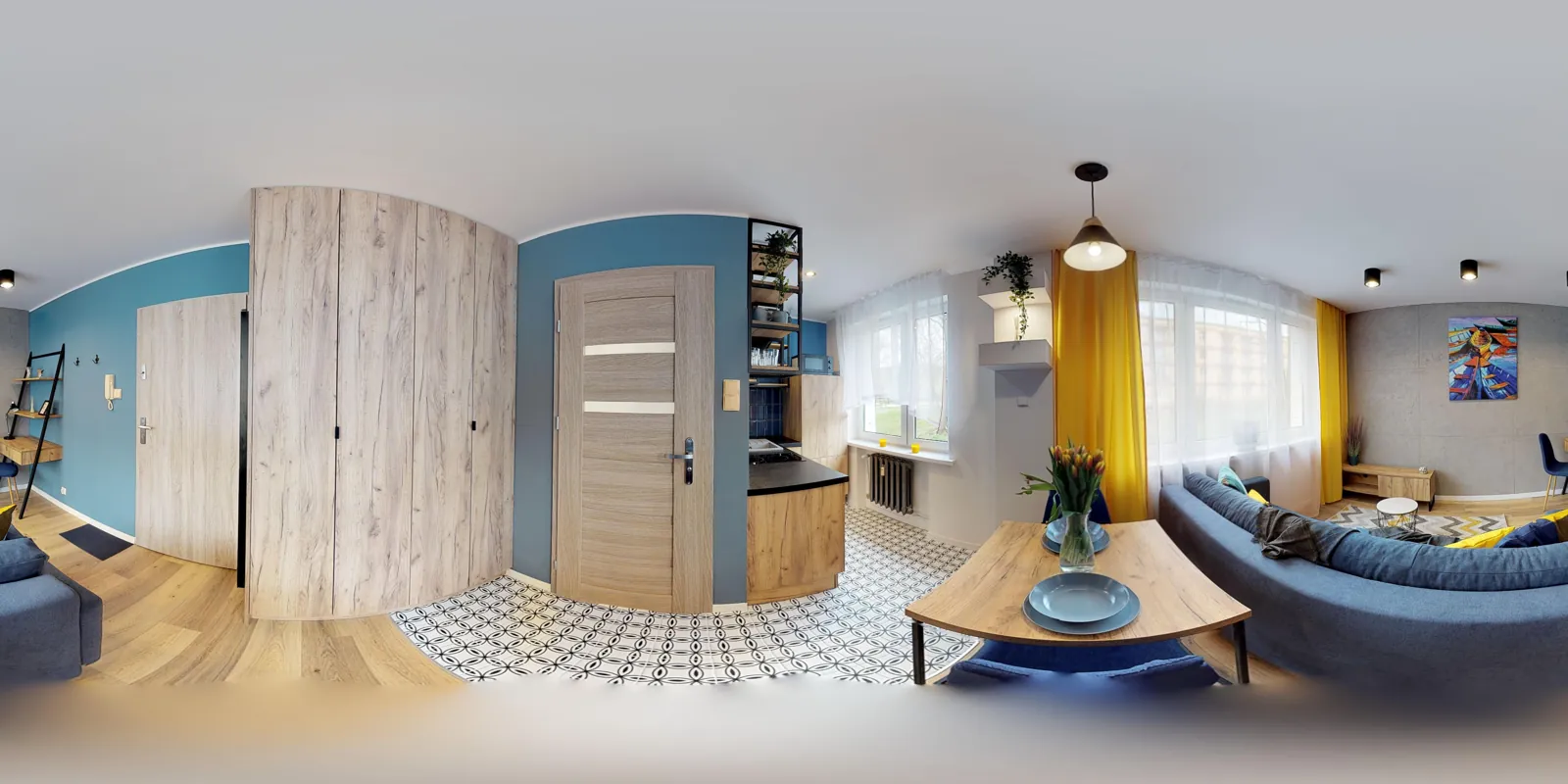
The best buyers often live next door. A neighbour from the same block, someone who passes your building every day, a family looking for a flat in this very area. They see the “For sale” banner, but they will not call just to ask for photos - and they may never find your listing online. A QR code shortens that path to one move of the phone: a passer-by scans the code and a few seconds later is inside the apartment. Below we explain where to place the code, how to prepare it and what to remember so that it keeps working for months.
Why a QR code works
- No app and no waiting. The phone camera reads the code on its own and the tour opens in the browser. Nothing to install, no account to create.
- It works when someone is standing outside. Interest is at its peak exactly when someone is looking at the windows of the apartment. The code turns that moment into a look inside before the passer-by walks on.
- It filters out random calls. Whoever has seen the tour and then calls already knows the layout and the condition of the apartment. Viewings are booked by people who are genuinely interested.
- It works around the clock. A banner on the balcony or a sheet in the window invites people inside in the evening and at weekends, when nobody answers the phone.
Where to place the code
- The “For sale” or “For rent” banner. On the balcony, fence or window - next to the phone number add the code and a short line such as “See the apartment in 3D”. It is the simplest way to make a banner show the interior instead of only announcing that something is for sale.
- Flyers and the estate notice board. A flyer in the letterboxes or a notice by the lift reaches people who already know the area. The code on the flyer leads straight to the tour, not to a general website.
- A shop window. A restaurant, wedding venue, clinic or shop can show its interior to people who look through the glass after closing time. A tour published in Google Maps works like an invitation: the code in the window, the same tour in the business profile.
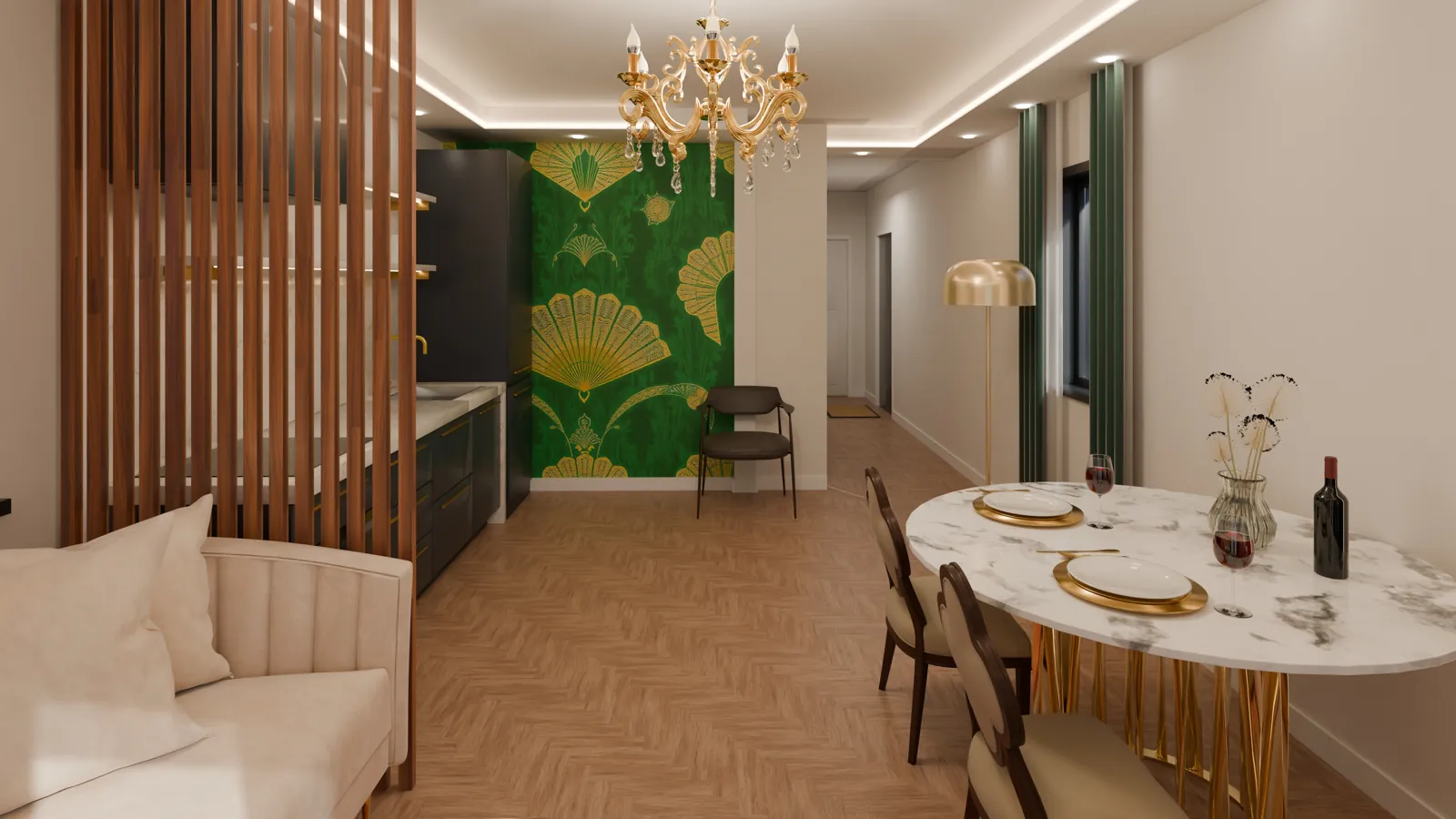
- The site board and the development brochure. A developer can show apartments that do not exist yet. From a floor plan we prepare furnished 360° visualizations - the code on the board by the construction site or in the brochure leads to a specific unit.
- Open days, fairs and client meetings. A code on a stand or on the back of a business card lets people come back to the tour at home, calmly, with their family.
How to prepare a code that scans
- Size it for the distance. A simple rule: the side of the code is about one tenth of the distance from which people will scan it. On a flyer held in the hand 2-3 cm is enough; on a banner seen from the pavement a few metres away - several dozen centimetres.
- Strong contrast and a margin. A dark code on a light background, with no photo underneath and an empty frame around it. A code blended into a pattern or printed on glossy film that reflects the sun often fails to scan.
- A caption next to the code. A bare square does not say where it leads. A short “See the apartment in 3D” or “Step inside” increases the number of scans.
- Test before printing. Scan the code with two different phones, in shade and in sunlight, from the distance other people will use.
- A permanent tour address. A printed code cannot be corrected. Each of our tours has its own permanent link - you prepare the code once and use it for the whole sale.
- Keep the tour online as long as the code. The code stops working when the tour goes offline. For an apartment 2 months of hosting are included, for a house 6 months; after that according to the price list, monthly or yearly. If the banner will stay up longer, extend the hosting in advance.
What people should see after scanning
Someone with a smartphone on the pavement has a few seconds of patience. That is why the first impression matters:
- Start in the best room - usually a bright living room, not the hallway.
- A floor plan with dimensions. A 3D tour includes a 2D and 3D floor plan with room labels, and distances can be measured in the browser - the questions a buyer would otherwise ask over the phone.
- Contact within reach. In a house tour we add your logo and contact details, and in a business tour your offer and links - after viewing, one click is enough.
- A tidy frame. Whatever is visible in the tour is seen by every passer-by. We describe how to prepare the interior in the guide how to prepare an apartment for a virtual tour.
How much it costs
23% VAT is added to the prices. In Łódź and up to 30 km from Brzeziny travel is included. All items are listed in the price list.
Do I need an app to scan the code?
No. The phone camera reads the code on its own and the tour opens in the browser on a phone, tablet and computer.
How long will the QR code work?
As long as the tour is online. For an apartment 2 months are included, for a house 6 months, then monthly or yearly hosting according to the price list. The tour link does not change, so a printed code does not need replacing.
Can I show one tour in several places?
Yes. Paste the same link in your listing, send it by email, turn it into a QR code on the banner and the flyer. More ideas in the post where to share a virtual tour.
Selling an apartment, renting out premises or building an estate? Tell us where you want to show the tour - we will suggest the scope and send a quote, usually on the same working day.